AI-Powered Tools for Creators: A Simple Guide
In today’s digital world, creators are everywhere — YouTubers, bloggers, designers, freelancers, students, business owners, and even hobby artists. Most of them use AI powered tools to make their work easier and more creative.
If you’re a creator and want to save time, get new ideas, or improve your content, AI tools can be your best friend. In this blog, we will talk about some of the most useful AI-powered tools and how they can help you.
🌟 What Are AI-Powered Tools?
AI tools use smart technology to understand your input and give quick, helpful outputs.
For example, you can:
- Ask AI to write a script
- Generate an image
- Edit a video
- Create music
- Suggest ideas
- Improve grammar
… and much more — with just a few clicks.
💡 Why Creators Should Use AI Tools
Here are some big advantages:
Save Time
Boost Creativity
Improve Quality
Work from Anywhere
🔧 Best AI Tools for Creators (Simple & Useful)
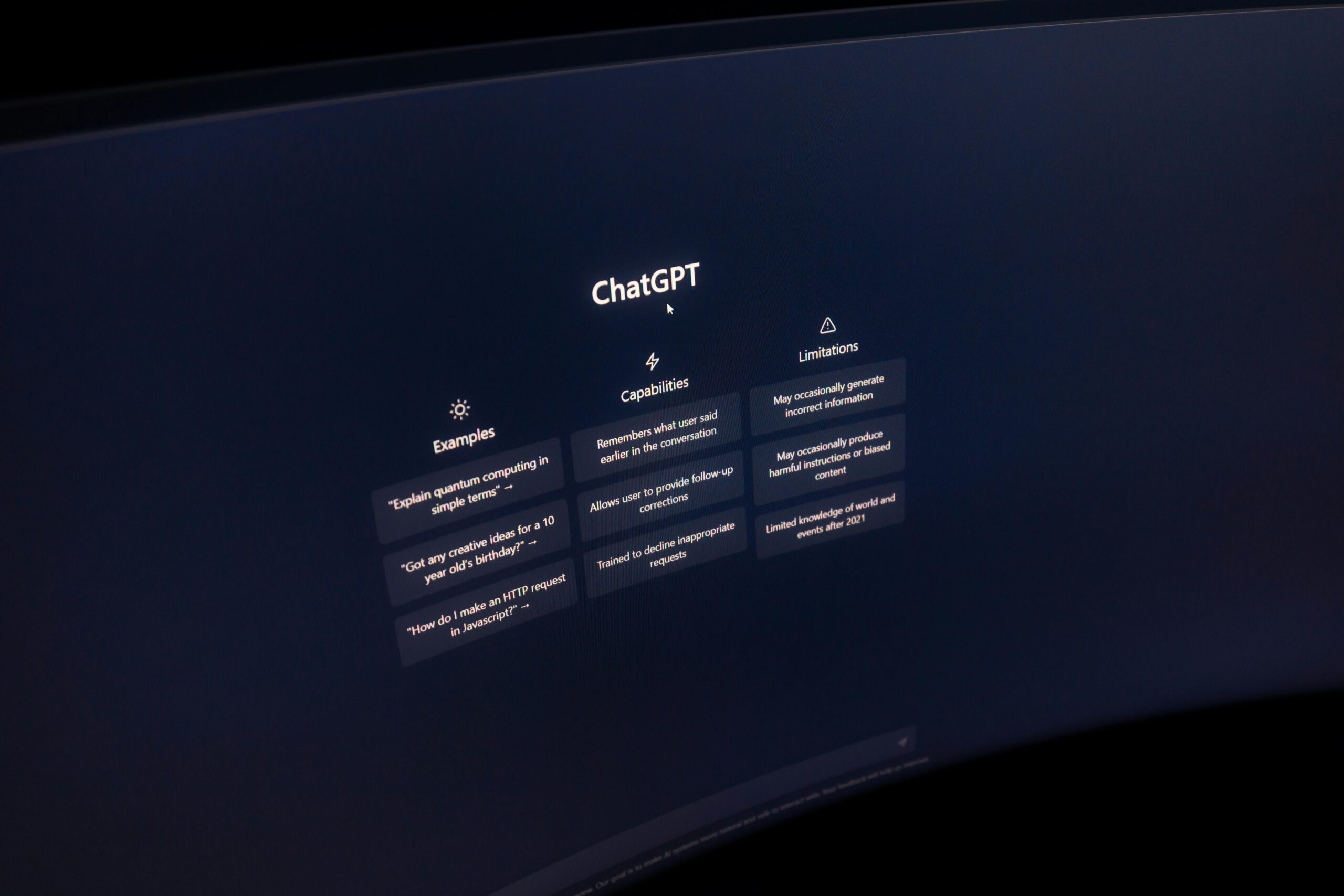
1. ChatGPT – For Writing & Ideas
If you want to create blog posts, YouTube scripts, captions, emails, descriptions, outlines, and ideas, ChatGPT is best for you.
Just type your question and it gives suggestions instantly.
2. Canva AI – For Designs & Social Media Posts
Canva’s AI features help you create posters, logos, thumbnails, Instagram posts, and presentations.
Features:
- Magic Write (AI text generation)
- Magic Eraser
- AI Image Generator
- Auto design suggestions
Perfect for beginners.
3. Adobe Firefly – For Images & Artwork
If you want high-quality AI images, backgrounds, posters, or artwork, Adobe Firefly is perfect and easy to use. This is a best companion for graphic designers, photographers, etc.
4. CapCut AI – For Video Editing
If you love creating reels or short-form videos then CapCut is for you because it has:
- Auto captions
- Background removal
- Video templates
- AI voiceovers
- Color and style presets
5. Descript – For Podcast & Video Editing
YouTubers and podcasters generally use Descript to edit videos by simply editing the text (like a document!).
It also offers:
- Voice cloning
- Auto filler-word removal
- Studio-quality audio enhancement
6. Notion AI – For Planning & Organizing
Creators often juggle many tasks. Notion AI helps you:
- Plan your content
- Track your projects
- Organize ideas
- Write and brainstorm
It’s like having a digital assistant.
Final Thoughts
AI-powered tools are not here to replace creators — they’re here to support them.
Whether you’re a beginner or a professional, using AI can make your creative journey easier, faster, and a lot more fun.
If you start using even one or two tools from the list above, you’ll see a big boost in your productivity and creativity.

